Found a job that feels like the perfect fit? Great! Here’s a simple guide to help you send your proposal in just a few steps.
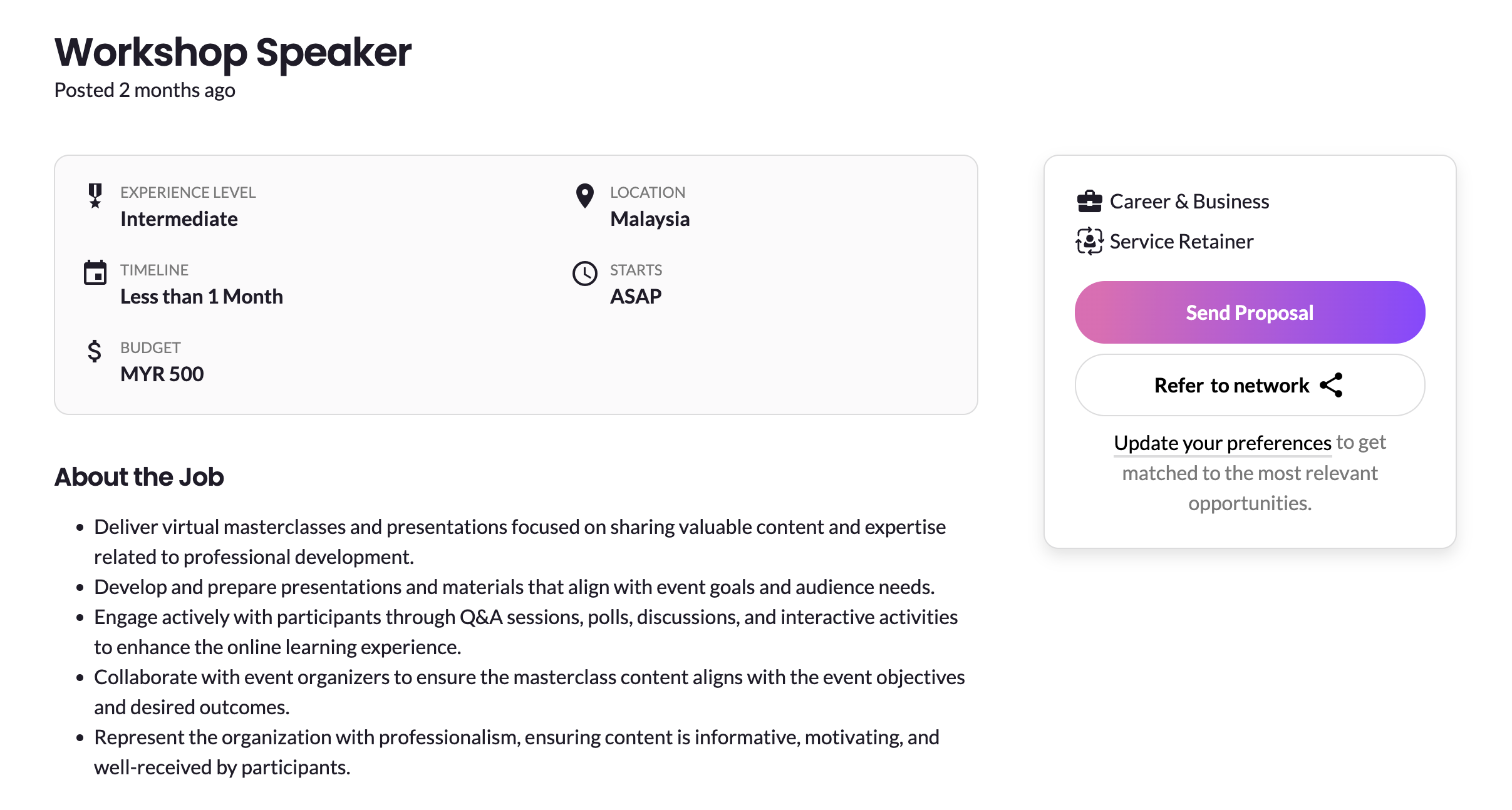
Step 1: Go to the Proposal Page
On the job post you’re interested in, click the “Send Proposal” button. This will take you to the proposal submission page.
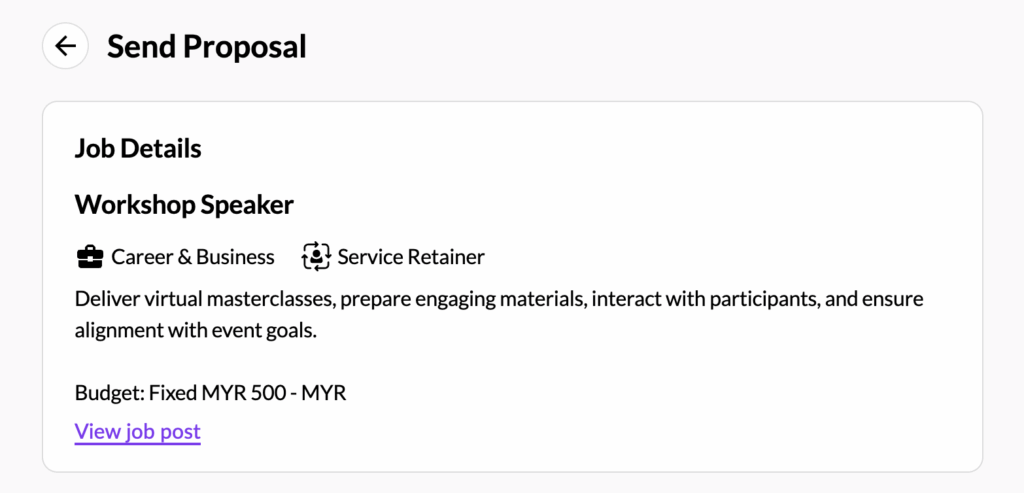
Step 2: Review the Job Details
At the top of the page, you’ll see a summary of the job. This includes the job title, category, type, and budget. If you need a refresher on the full job post, just click “View Job Post” to open it in a new tab.
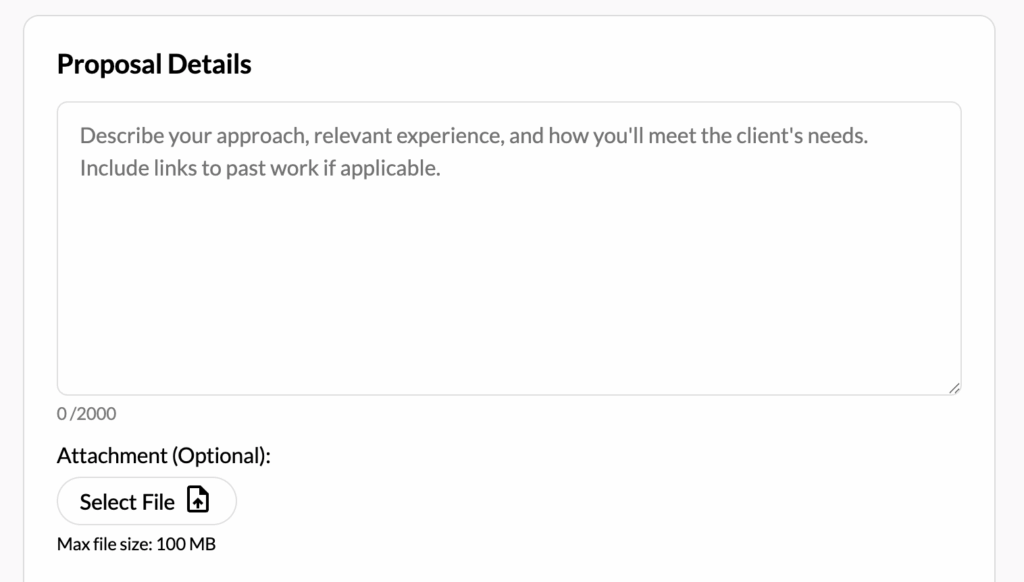
Step 3: Write Your Proposal
Share your ideas and approach in the proposal text box. Let the client know why you’re the right person for the job.
You can also upload one supporting document (like a portfolio or CV), but it’s totally optional.
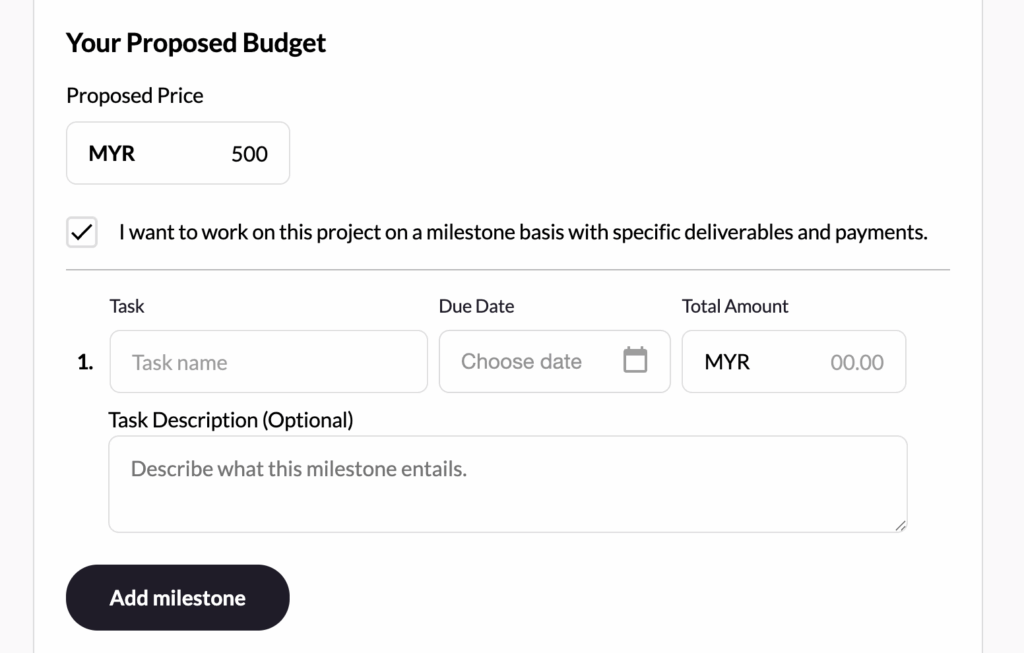
Step 4: Set Your Budget
Depending on the job type (fixed or hourly), you’ll be asked to enter your proposed price.
- For fixed price jobs, you can also choose to break the work into milestones with specific deliverables and deadlines. Just tick the milestone option and fill in the tasks, dates, and amounts.
- For hourly jobs, you’ll need to enter your hourly rate and estimated hours.
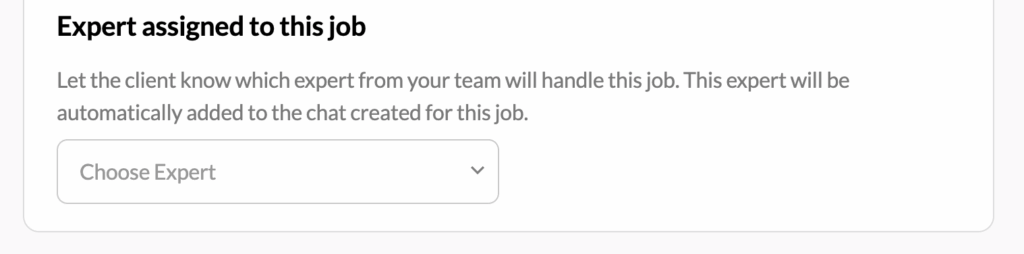
Step 5: Assign an Expert
If you’re on a team plan, you’ll either see your expert name pre-filled or have the option to select an expert from your hub, depending on your plan.
Step 6: Submit Your Proposal
Once everything’s filled in, click “Submit”. You’ll be taken to your job applications list, and a confirmation message will let you know your proposal has been sent.
That’s it—you’re done! You’ll get notified when the client responds.
Need help? Reach out to us anytime—we’re happy to assist!