Creating an effective job post is the first step to finding the right talent for your project. Whether you’re looking for a regulatory expert or a digital marketing strategist, a well-crafted job post can help you attract highly qualified candidates. Here’s a step-by-step guide to walk you through the process on the Mereka platform, along with key tips and visuals to help you get it right.
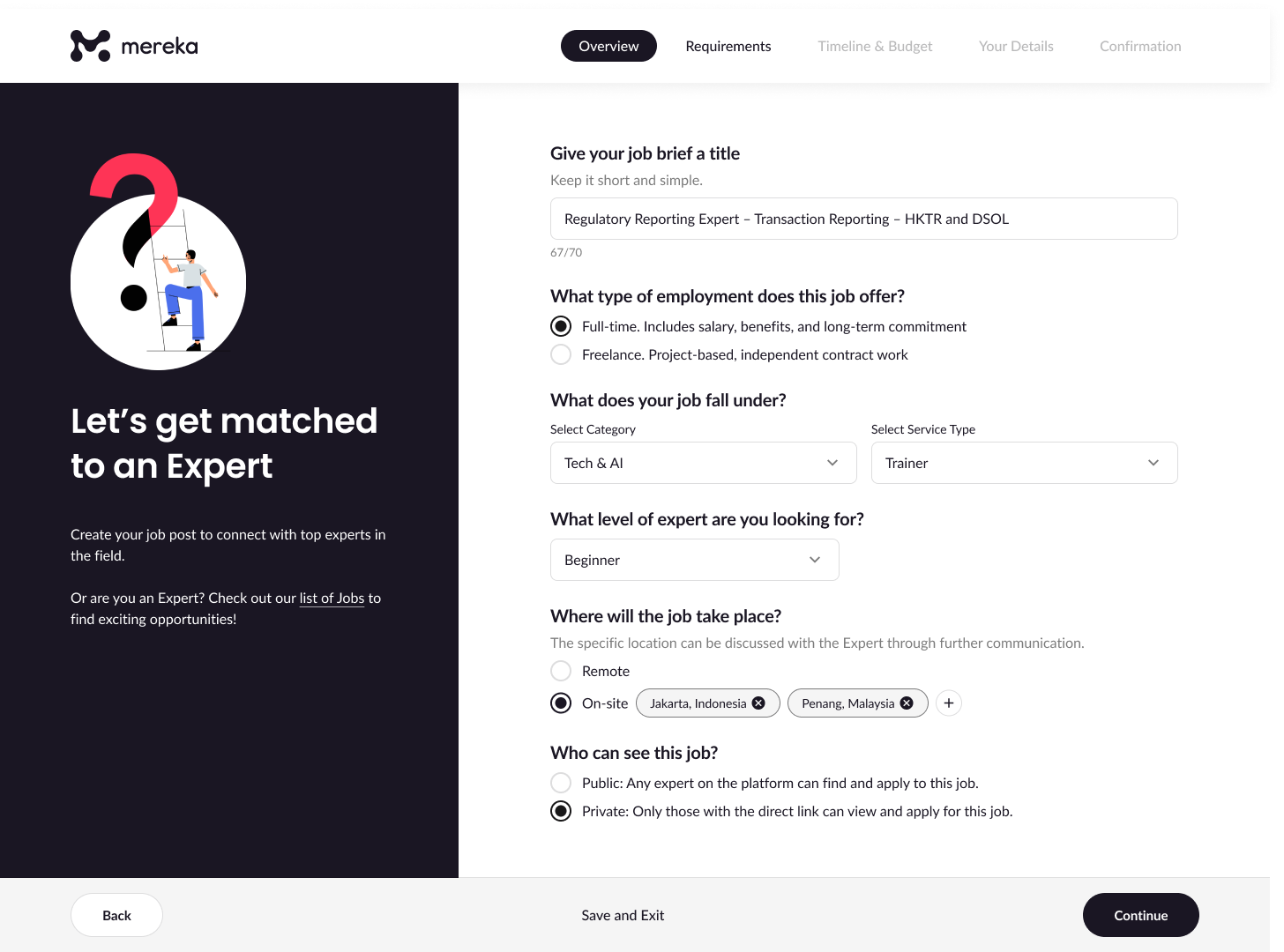
Step 1: Overview
Start by giving your job a clear and concise title. Choose whether it’s a full-time or freelance opportunity, then select the category and service type it falls under. Indicate the expert level you need—beginner, intermediate, or advanced—and specify the job location (remote or on-site). You can also choose to keep the post private or public.
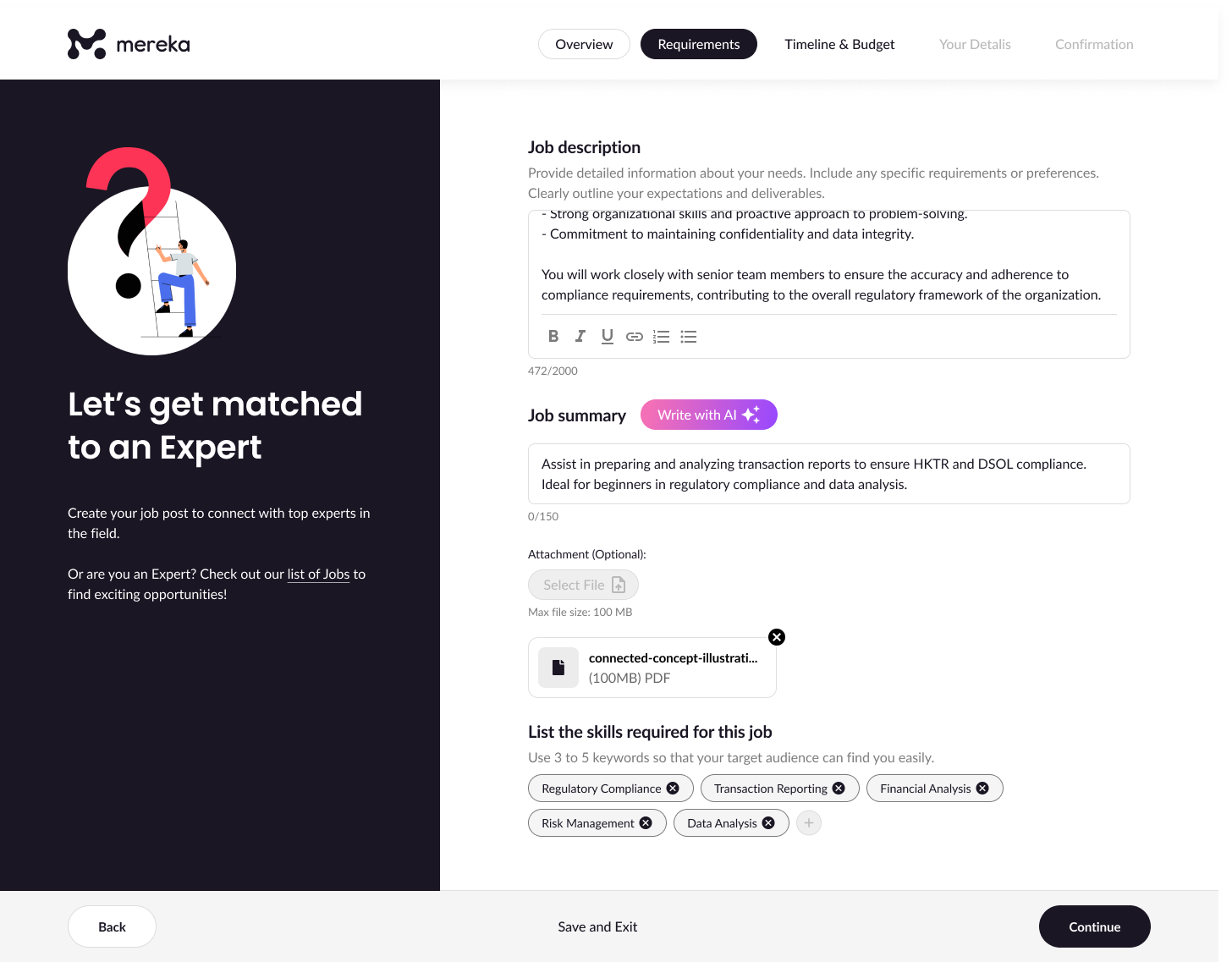
Step 2: Requirements – Describe What You Need
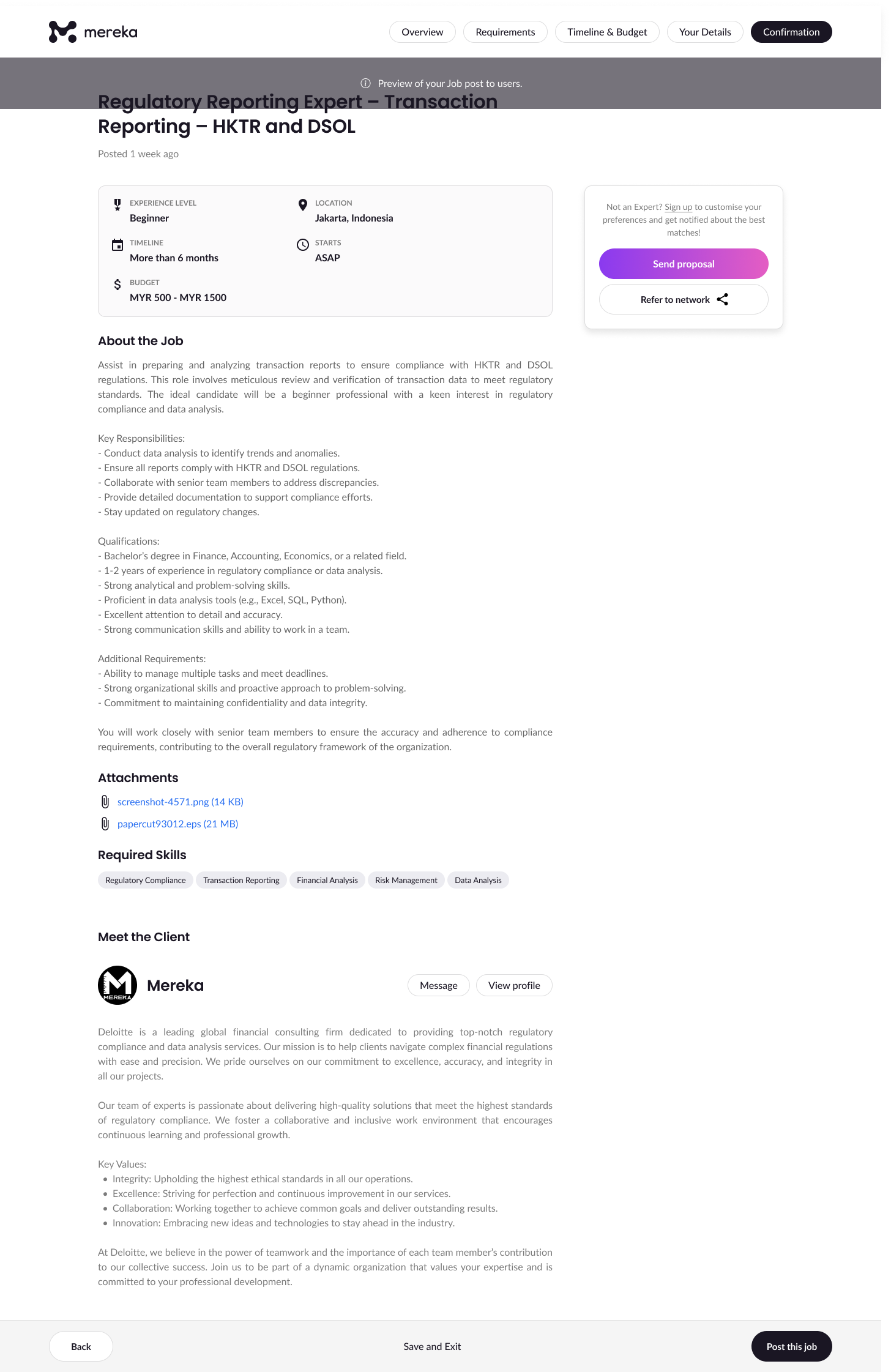
This is where you explain the role in detail. Write a job description that outlines responsibilities and expectations, followed by a brief job summary. Add any attachments and list a few relevant skills or keywords like “Data Analysis” or “Transaction Reporting” to improve discoverability.
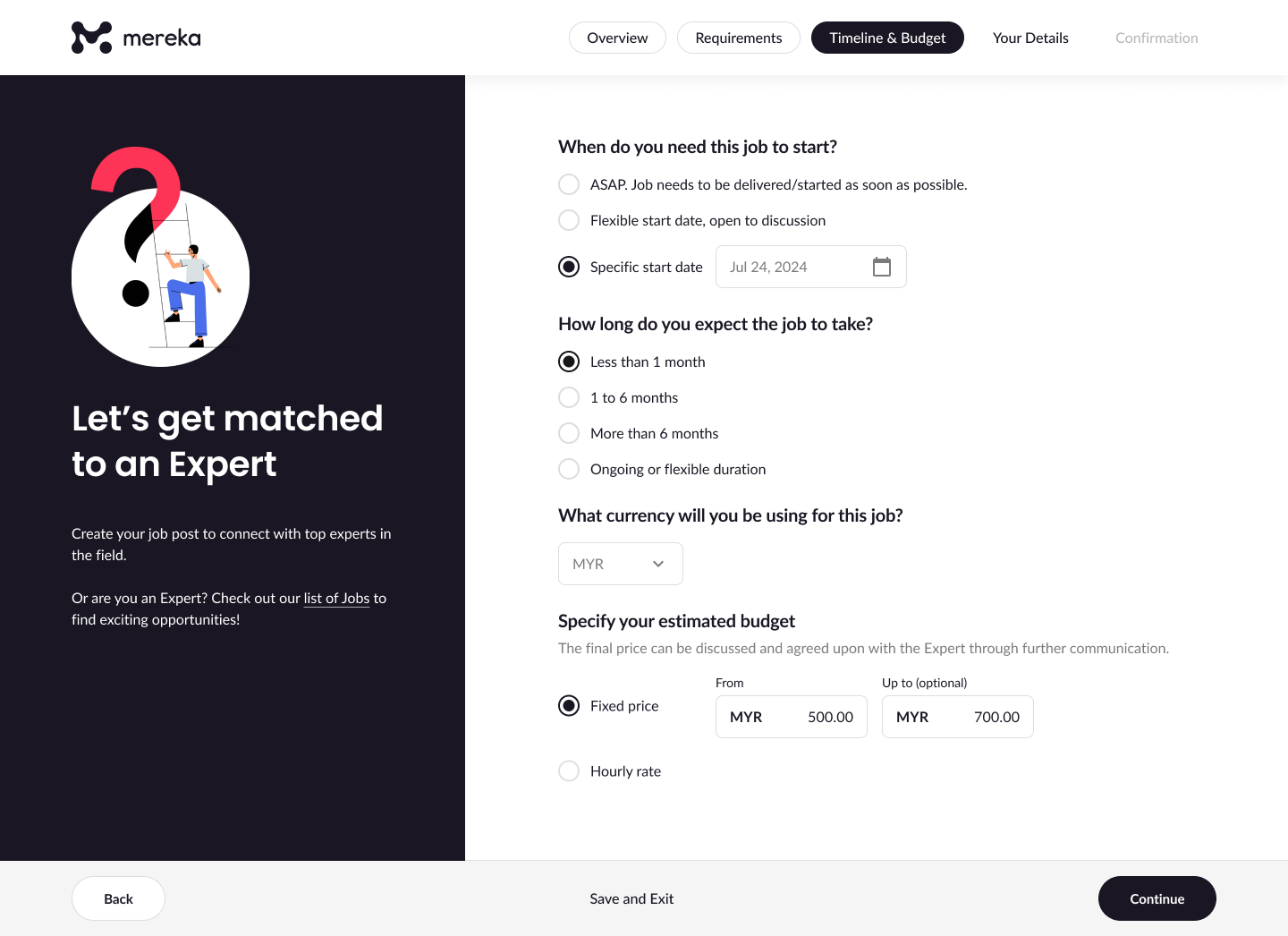
Step 3: Set the Timeline & Budget
Choose when you want the job to start—immediately, on a specific date, or a flexible start. Then, estimate how long the project will take, whether under a month or more long-term. Set your budget using either a fixed price or an hourly rate.
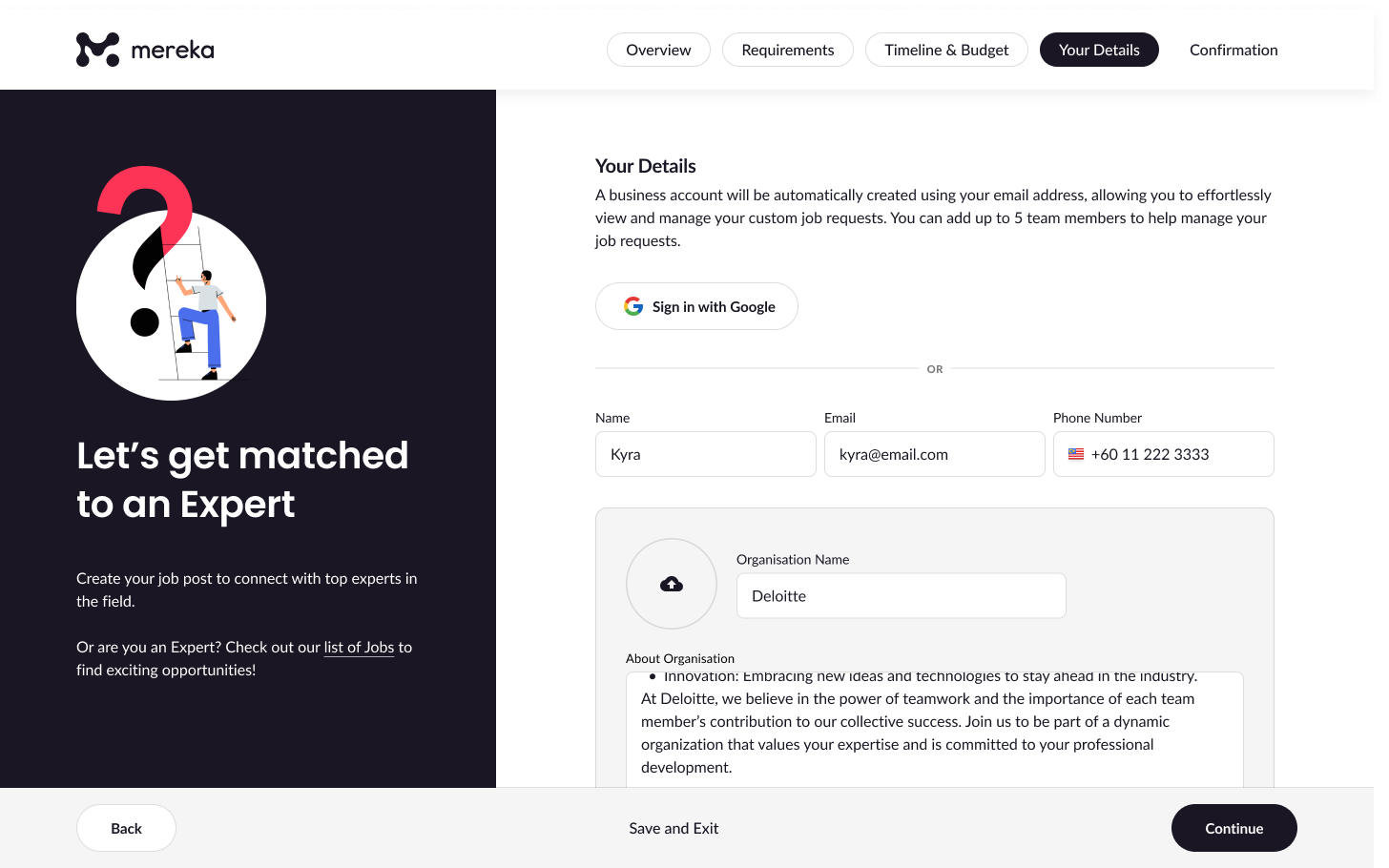
Step 4: Your Details
Enter your name, email, phone number, and a short summary about your organisation. This builds credibility and helps experts understand your organisation’s culture and values.
Step 5: Review and Post
Check everything you’ve entered. Make sure your post is accurate, attractive, and typo-free. When you’re ready, hit “Post this job” and share the link with your network or wait for expert proposals to come in.
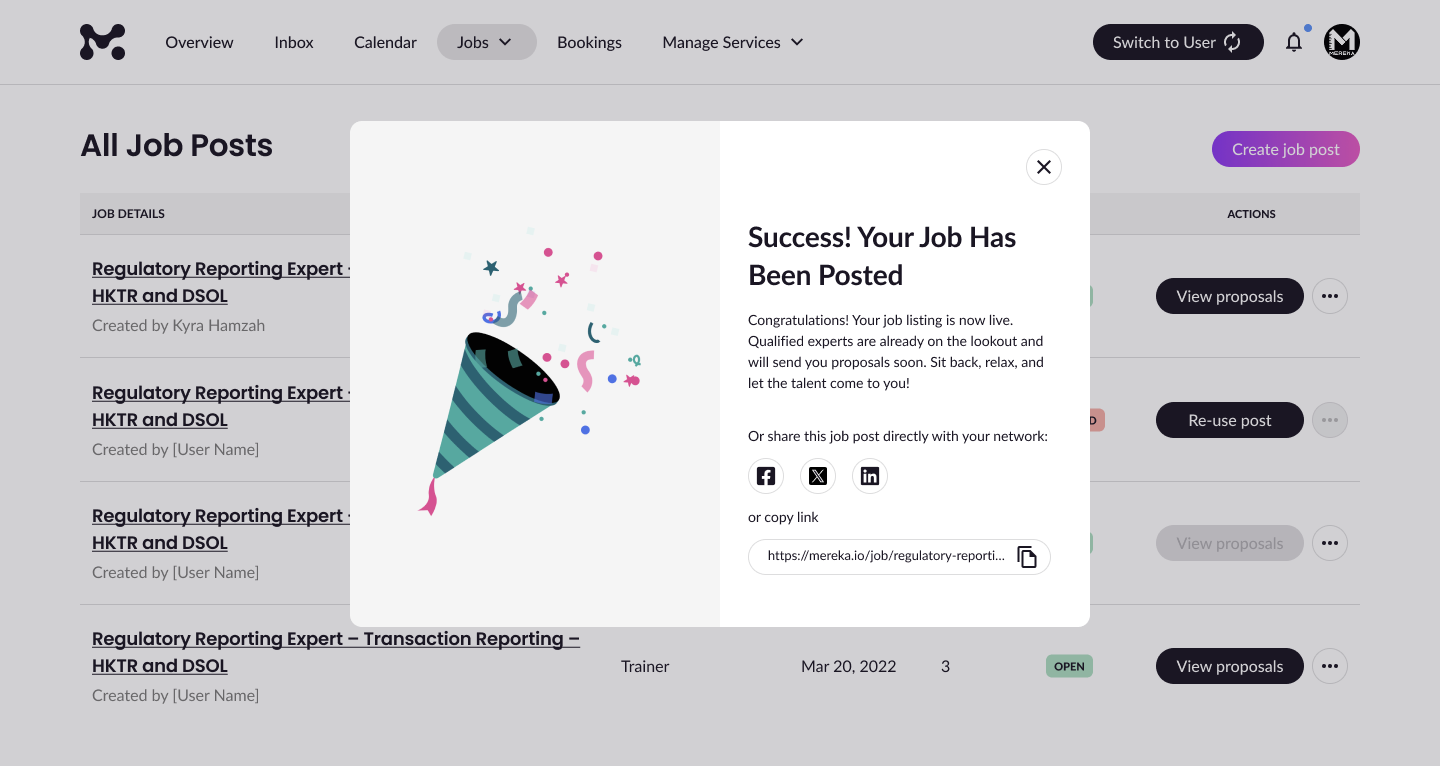
Step 6: Your Job Is Now Live! 🎉
Once you’ve confirmed your job post, you’ll see a success screen letting you know your listing has been published. From here, you can sit back while qualified experts start submitting proposals. You’ll also have the option to instantly share your job via Facebook, X, LinkedIn, or by copying the job link directly—perfect for spreading the word to your network.
Need Help? If you run into any issues while posting your job or have questions about finding the right expert, feel free to contact us — we’re here to support you every step of the way.
seo tags: how to create a job post, mereka job post, create job post mereka.io