Before you accept a contract, it’s important to make sure the terms, milestones, and payments align with your expectations. If you need any adjustments, you can easily request changes directly from the offer page.
Step 1: Review the Offer
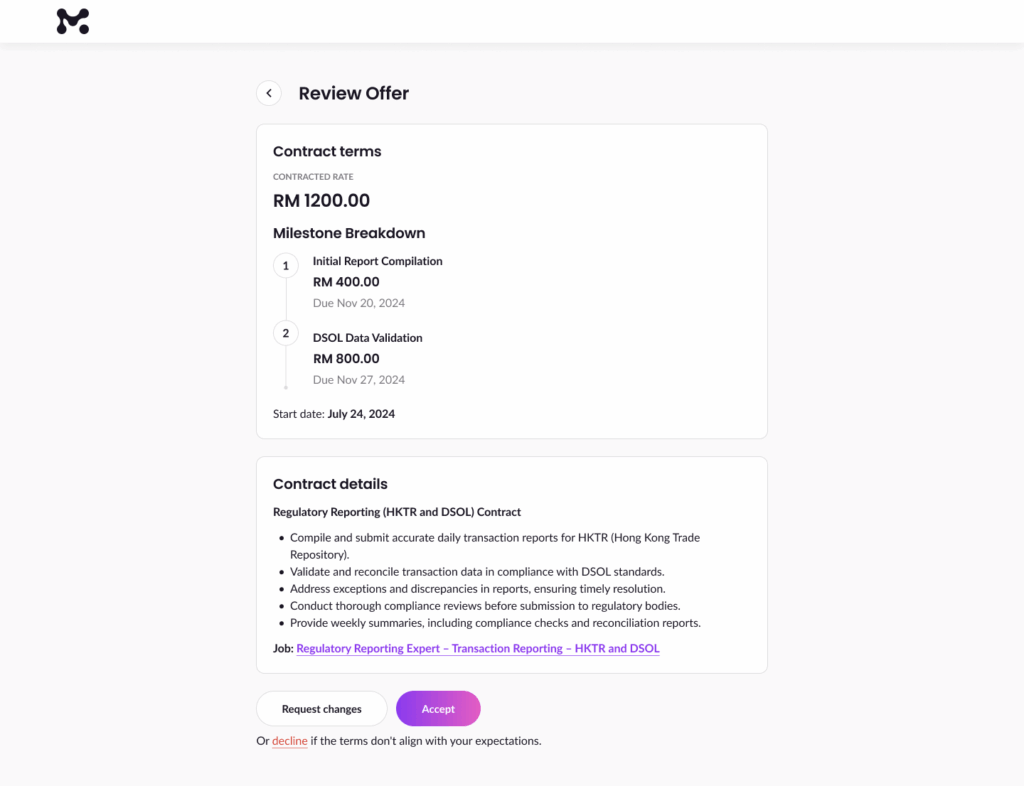
On the Review Offer page, you’ll see:
- The contract terms, including total contracted rate
- A breakdown of milestones, amounts, and due dates
- Contract details outlining the scope of work
Take time to read everything carefully before deciding your next step.
Step 2: Click “Request Changes”
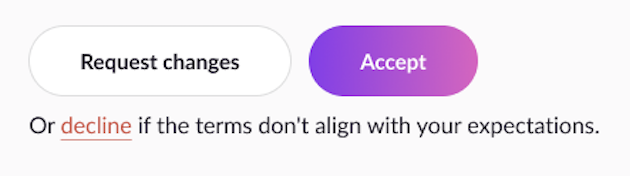
If something doesn’t look right, click the “Request Changes” button under the offer details.
This will open a prompt guiding you to discuss adjustments with the client.
Step 3: Message the Client
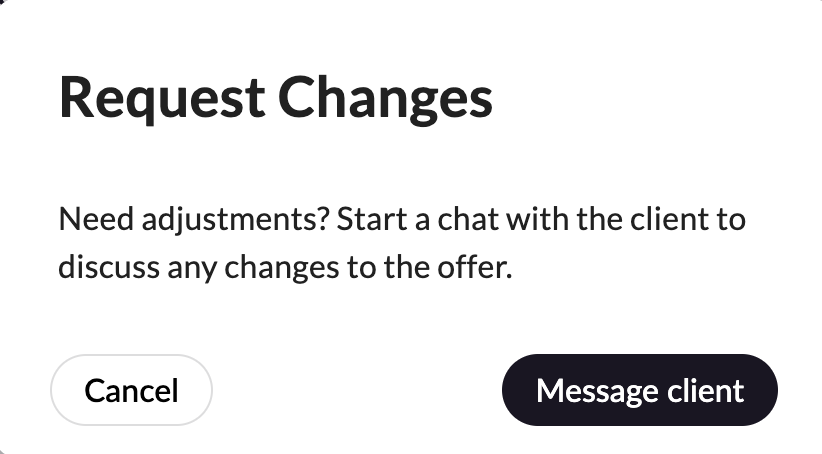
In the Request Changes pop-up:
- Click “Message client” to start a chat directly with them.
- Here, you can clearly explain what you want to adjust—whether it’s the payment amount, milestones, deadlines, or other terms.
Step 4: Wait for a New Offer
After discussing changes, the client can:
- Edit the offer and send you an updated version, or
- Clarify the existing terms if no changes are needed
Once you’ve discussed the revised offer with the client, you can choose to accept or reject it. Refer to these articles:
💡 Tip: Always communicate politely and clearly when requesting changes. It helps build a professional relationship with your client.