Mereka.io provides a seamless platform for experts to showcase their skills, connect with opportunities, and grow their professional presence. Follow these simple steps to create your account and join as an expert:
Visit the Mereka.io Welcome Page
Go to Mereka.io Welcome Page.
Get Started
Click the “Get Started” button to begin the registration process.
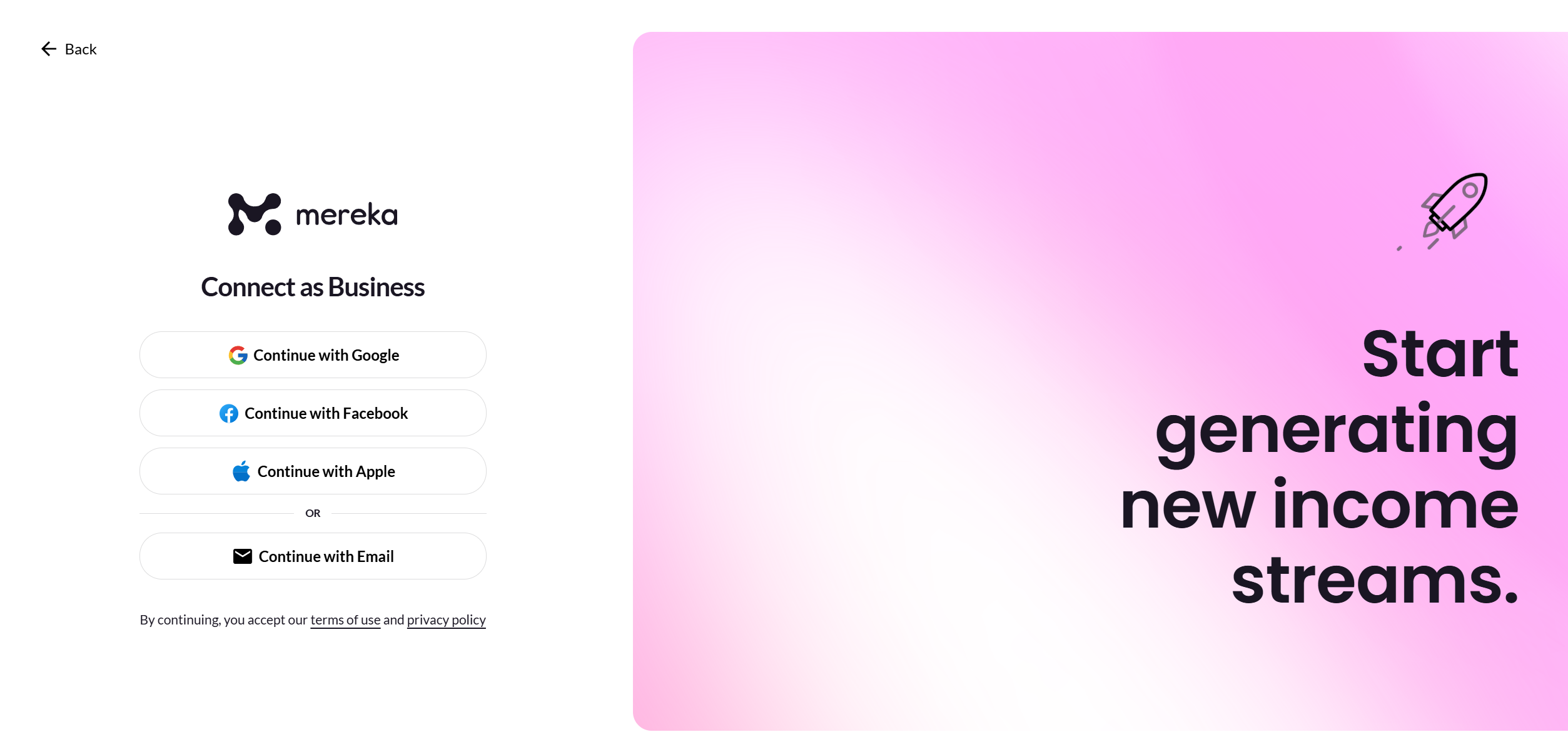
Create Your Account
Sign up using your Gmail, Apple, or Facebook account for quick access.
Alternatively, type in your email address, and a magic link will be sent to your inbox. Click on the link to proceed.
Access the Main Website
Once you click “Continue”, you will be directed to the main Mereka.io website.
Join as an Expert
Click on your profile picture icon at the top-right corner of the page.
Select the “Become an Expert” option from the dropdown menu.
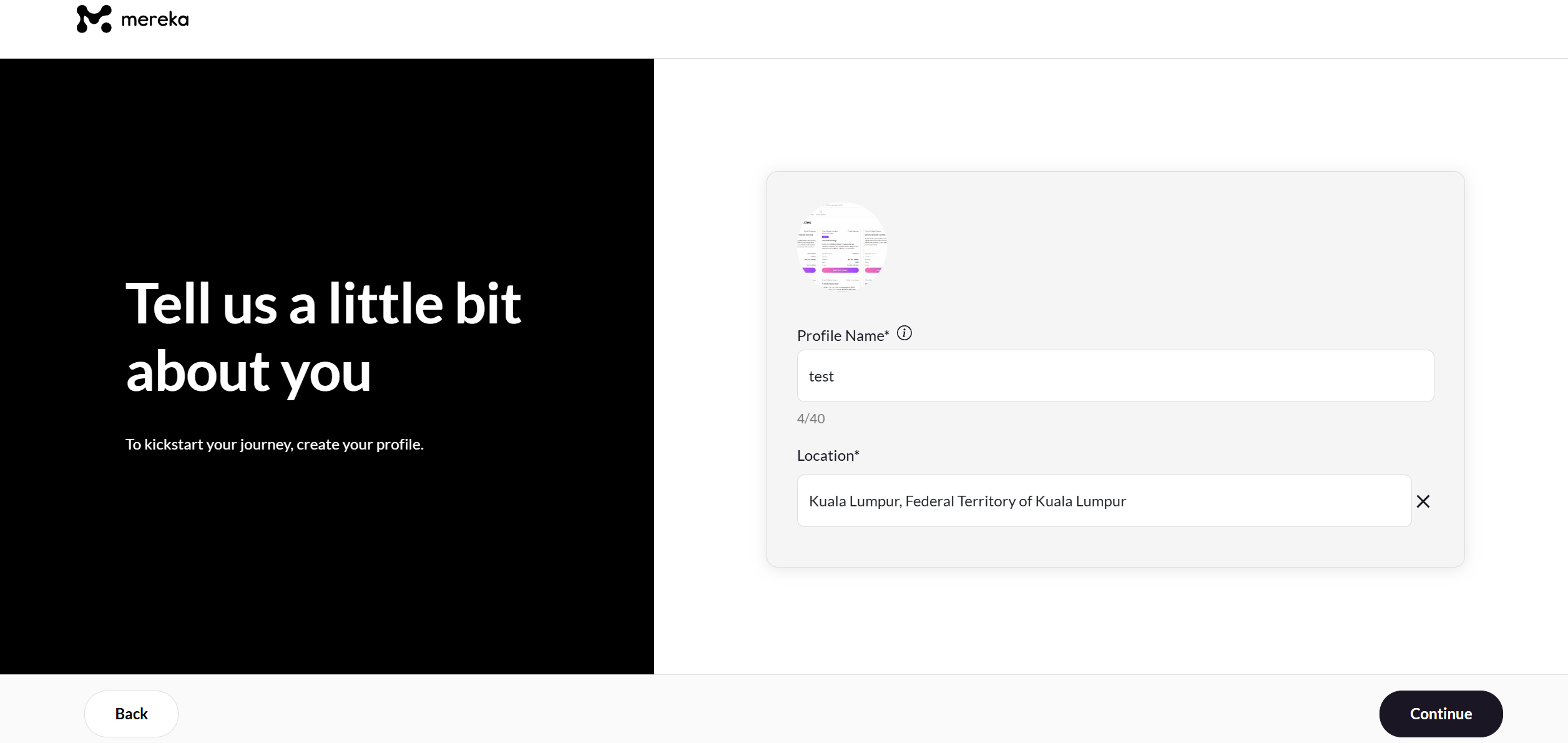
Complete Your Profile
Fill in all the required details to create your expert profile. Make sure your information is accurate and professional.
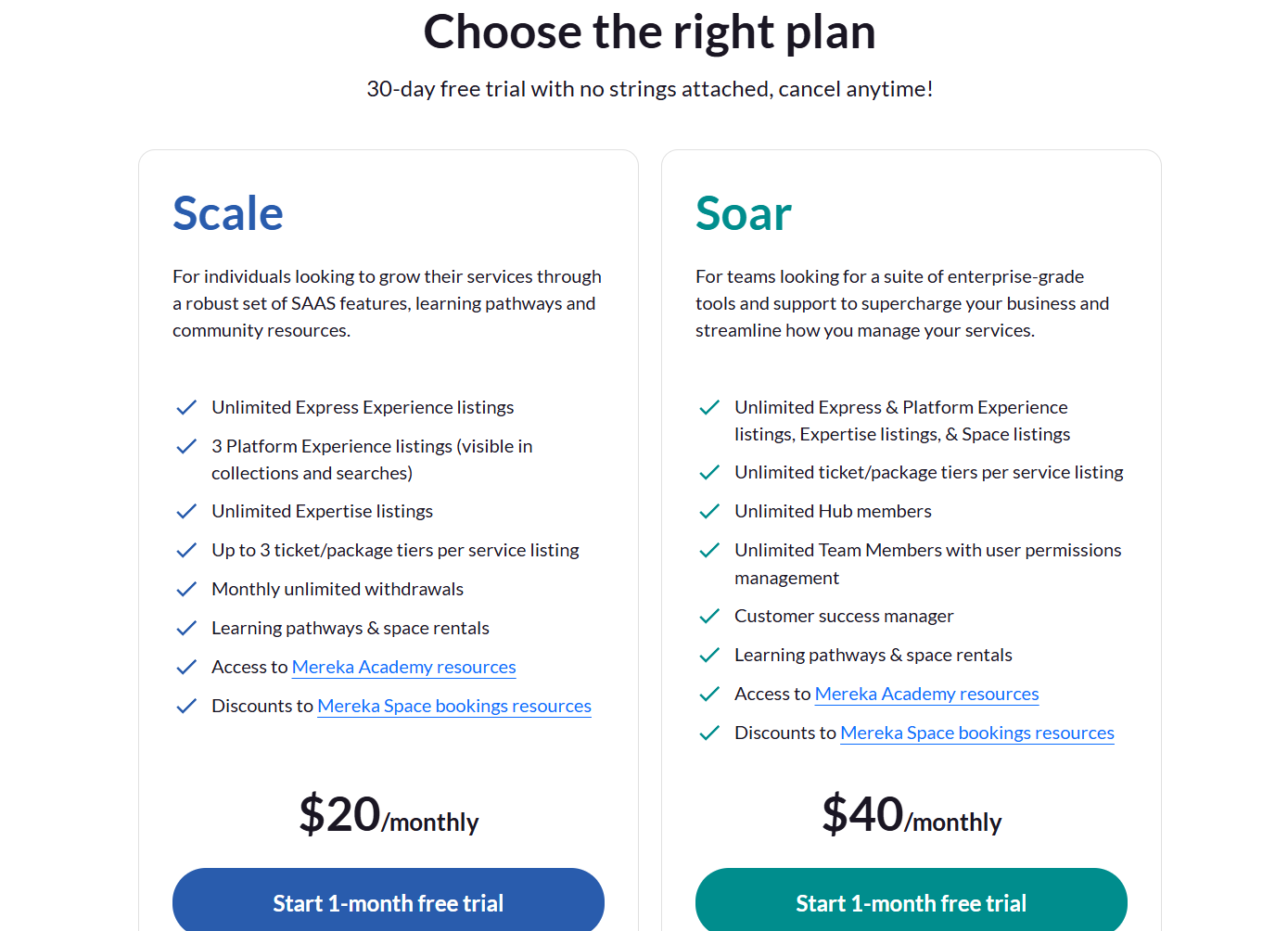
Choose Your Plan
Review the available plans and select the one that best suits your needs and goals.
Provide Payment Details
Enter your card details to complete the payment process.
If you have a voucher code, apply it to avail any discounts or offers.
Click on Complete Business Profile and you will be redirected to the form.
Fill in the form to create your Business/Expert profile
You can also view the complete video here: